


Busy season, every job booked in the old software, and you want out.
For example: You want off your old software, but it is busy season and every job is booked in it.
30 days free, no credit card required

Generated image, not a real person.
What it costs
You keep paying for software you have outgrown, because the switch never finds a good week.
What owners do today
Wait for the slow season, and then wait again.
Move one slice of the business, not all of it
Busy season is the wrong time to move everything at once, and a good time to prove the new system on real work. Pick one slice: one crew, one kind of job such as service calls, or new customers only.
That slice runs in the new system from the first day. Everything else stays where it is.
Let new bookings set the pace
Every new job in the slice is booked in the new system. Jobs already on the old schedule finish there. As the old schedule empties, the new one fills, and there is never a weekend spent moving data by hand.
Each job lives in exactly one place, so nothing is typed twice and nobody asks which system is right.
Widen the slice only when the first one holds
When the first crew or kind of job has run a full week without anyone reaching for the old system, add the next one. If it has not held, fix what broke first: a missing service in the price book, a tech who has not logged in, a step nobody showed the office.
Keep the old system paid up until its last invoice is paid
The old software is your backup while work is still finishing in it. Cancel only once its last job is invoiced and paid.
The day before you cancel, export everything one final time and keep the files outside the old software: customers, the price book, invoices paid and unpaid, and job history, for warranty questions later.
The checklist
- Name the slice that moves first.
- Export customers from the old software, and the price list if it has one.
- Import the file and read the preview before confirming.
- Book every new job in the slice in the new system.
- Let the old schedule finish in the old system.
- After a full week with nobody reaching for the old system, widen the slice.
- Keep the old software paid up until its last invoice is paid.
- The day before cancelling, export everything and save it outside the old software.
Get the guide and checklist as a PDF
Leave your first name and business email and the PDF downloads at once.
More guides: Price a job so it covers parts, labor and overhead; A weekly routine for who still owes you; Ask customers for reviews, and remember to; Get written approval for extra work; The first month on new software, week by week; Price good, better and best options; HVAC estimates and invoices; Plumbing estimates and invoices; Electrical estimates and invoices; Roofing estimates and invoices; Solar estimates and invoices; Handyman estimates and invoices. All guides.
Import from a spreadsheet export Pro and up
Export your customers from your old software.
Drop the file in.
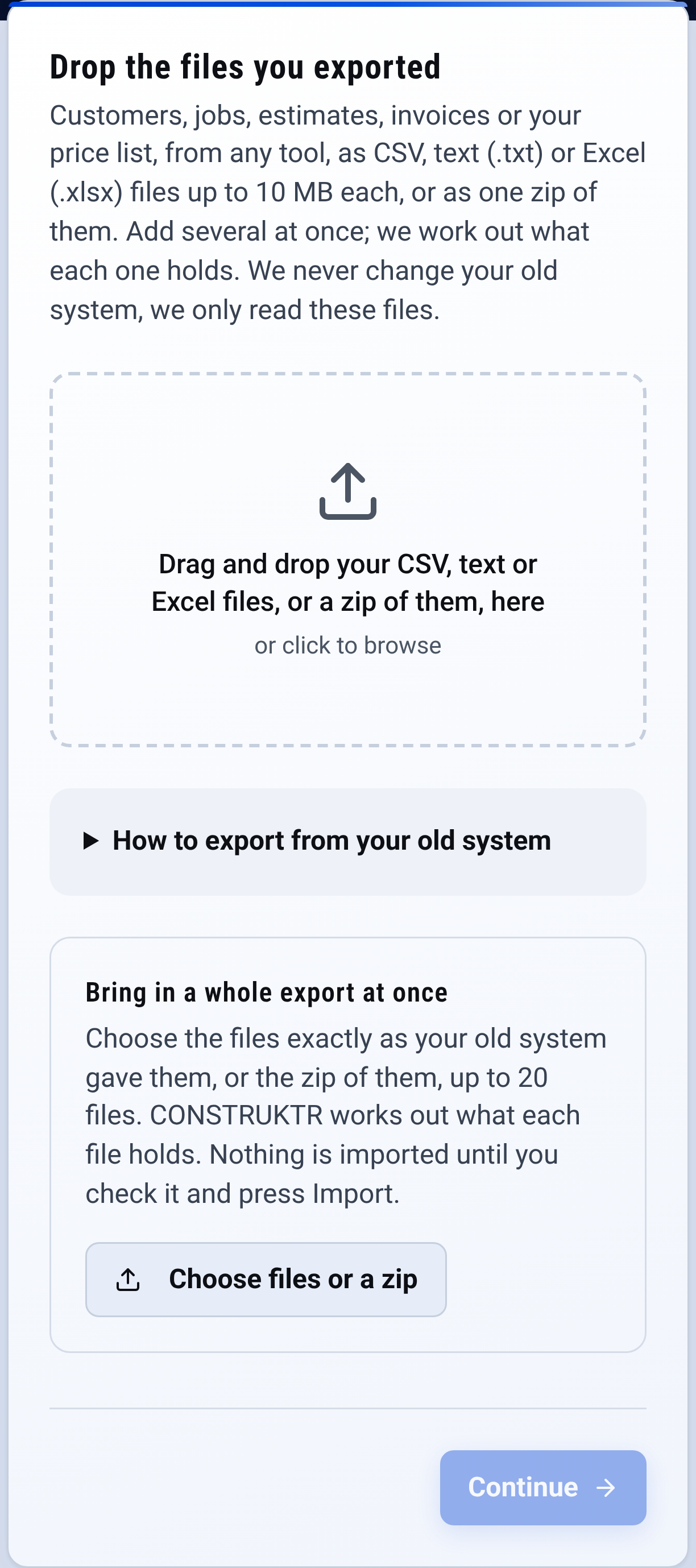
Import: drop the files you exported Check the preview: nothing is saved until you confirm.

Check it yourself
- Every step in this guide works on paper or in a spreadsheet. Nothing here needs CONSTRUKTR.
- Every CONSTRUKTR feature named here is on the features page, with the plan it comes with.
- Watch the real dashboard and phone app work on a demo company.
Questions owners ask
Does CONSTRUKTR pull straight from my old software?
No. You export a file from the old app and import the file. Nothing connects to your old account.
What if the import reads something wrong?
In CONSTRUKTR you check a preview of the file before anything is saved, and nothing is saved until you confirm. Fix the file and drop it in again. The spreadsheet import comes with Pro and up.
Won't two systems at once mean typing everything twice?
Not when each job lives in exactly one place: the slice in the new system, everything else in the old one until it finishes there.
See it on your own jobs.
30 days free, no credit card required
Paid plans renew automatically. 100-day money-back guarantee on your first paid charge. Request a refund at support@construktr.ai. Cancel any time; access continues to the end of the paid period.