


The customer thanked you twice, and you forgot to ask for a review?
For example: The customer thanked you twice on the way out, and you forgot to ask for a review.
30 days free, no credit card required

Generated image, not a real person.
What it costs
The kind words never reach the next customer looking you up.
What owners do today
Mean to send the review link, and never do.
Ask when the customer is happiest
A good moment is the one in the moment above: the work is done, it looks right, and the customer is thanking you. Ask then, in person, in one sentence: "Would you mind putting that in a Google review? I will send you the link today."
Send the link while the job is fresh
A promise to send the link is easy to forget, for you and for them. Send it before the end of the day, while the job is still fresh in their mind.
Use your own direct review link, so the customer lands on the review box and not on a search page. To find it: open your Google Business Profile, choose Ask for reviews, and copy the link.
Keep the message short
Three lines are enough:
- Thank them by name, and name the job.
- Ask for the review, in one sentence.
- The link, on its own line.
Ask everyone the same way, and never pay for a review
Ask every customer, the same way, once the job is done, not only the ones you are sure will be glowing. Never trade a discount or a gift for a review. Reviews that come in this way read as real, because they are.
Answer every review
Thank the customer for a good review, by name. Answer a bad one calmly, once, with what you did or will do about it. The next customer reads the answers as closely as the reviews.
More guides: Price a job so it covers parts, labor and overhead; A weekly routine for who still owes you; Get written approval for extra work; Switch software without losing your customer list; The first month on new software, week by week; Price good, better and best options; HVAC estimates and invoices; Plumbing estimates and invoices; Electrical estimates and invoices; Roofing estimates and invoices; Solar estimates and invoices; Handyman estimates and invoices. All guides.
Review requests by email Every plan
Open the customer.
Send a review request with your own Google review link.
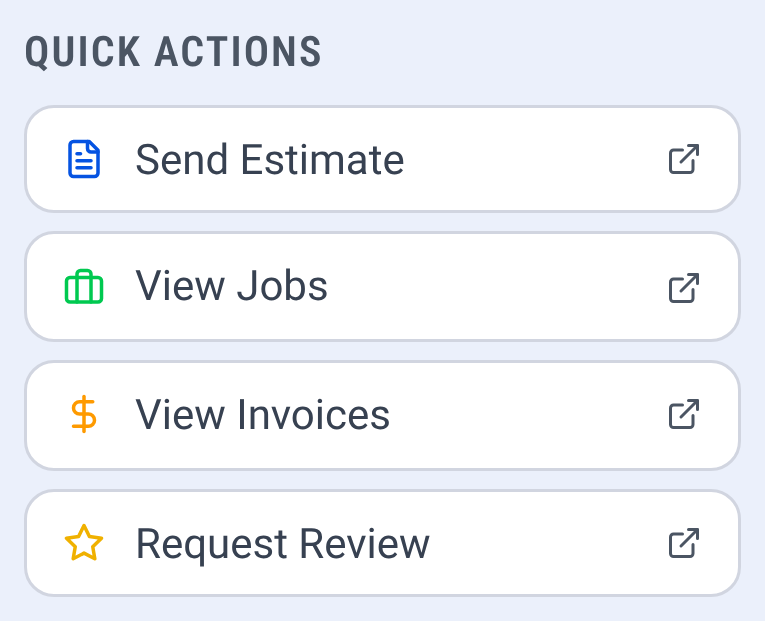
A customer's quick actions, with Request Review

Check it yourself
- Every step in this guide works on paper or in a spreadsheet. Nothing here needs CONSTRUKTR.
- Every CONSTRUKTR feature named here is on the features page, with the plan it comes with.
- Watch the real dashboard and phone app work on a demo company.
Questions owners ask
What if a customer leaves a bad review?
Answer it calmly, once, and say what you did about it. The next customer reads how you answer as closely as what was said.
How many times should I ask?
Once in person and once with the link. One gentle reminder a few days later is fine; after that, let it go.
Can software send the request for me?
CONSTRUKTR can send a review request by email on every plan: the email carries the review link you give it, or else your saved Google review page. You choose when each request goes out and send each one yourself.
See it on your own jobs.
30 days free, no credit card required
Paid plans renew automatically. 100-day money-back guarantee on your first paid charge. Request a refund at support@construktr.ai. Cancel any time; access continues to the end of the paid period.