


Keep panel work priced before the site visit changes the plan.
For example: The site visit shows the main panel needs work, and the proposal the homeowner already liked is now wrong.
30 days free, no credit card required

Generated image, not a real person.
What it costs
A second proposal built from scratch, and an awkward call about why the number moved.
What owners do today
Rebuild the proposal from the supplier sheet and the first version.
How to use this solar price book
Modules, inverters and racking are bought, so they take a cost and a markup. Survey, design and electrical work are your time. Keep the electrical work in its own group so a panel change moves one block, not the whole proposal.
There are 7 groups and 30 lines below. Every cost, markup and price is blank: this page lists no prices, because what a job costs depends on your suppliers, your market and your own hours.
A worked line
SAMPLE ONLY: if "Main panel upgrade" costs you 200.00 and you add 60% to your cost, the price is 320.00, and 37.5% of that price is what is left after cost. Round numbers, made up to show the arithmetic. They are not a price or a markup to use.
Settle these first
- Do you price by the watt, or build up each system from its parts? Choose one so proposals are comparable.
- How do you price a main panel upgrade the site survey turns up after the homeowner saw a number?
- Which lines are the same on every system, so you can copy them forward without re-pricing?
- Where do permit, interconnection and inspection fees sit: on each line or as one block?
The lines
Site survey and design
- Site survey visit (each)
- System design and layout (each)
- Shade or roof assessment (each)
- Structural review (each)
Modules and inverters
- Solar modules (each)
- String inverter (each)
- Microinverters (each)
- Power optimizers (each)
- Monitoring gateway (each)
Racking and mounting
- Roof rails (foot)
- Roof attachments (each)
- Ground mount frame (each)
- Flashing and sealant (each)
Electrical work
- Main panel upgrade (each)
- Subpanel or load center (each)
- AC and DC disconnects (each)
- Conduit and wire (foot)
- Rapid shutdown device (each)
Battery and backup
- Battery unit (each)
- Battery enclosure or mount (each)
- Backup loads panel (each)
- Gateway and transfer switch (each)
Permits and paperwork
- Permit fee (each)
- Interconnection application (each)
- Inspection visit (each)
- Engineering stamp (each)
Installation and commissioning
- Installation labor (hour)
- Crane or lift rental (each)
- System commissioning (each)
- Customer walkthrough (each)
Take it with you
The CSV opens in Google Sheets or Excel with the price columns empty. The PDF is ruled so you can fill it in by hand.
Get the solar price book as a PDF
Leave your first name and business email and the PDF downloads at once.
Estimates from your price book
Keep modules, inverters, racking and panel work in your price book.
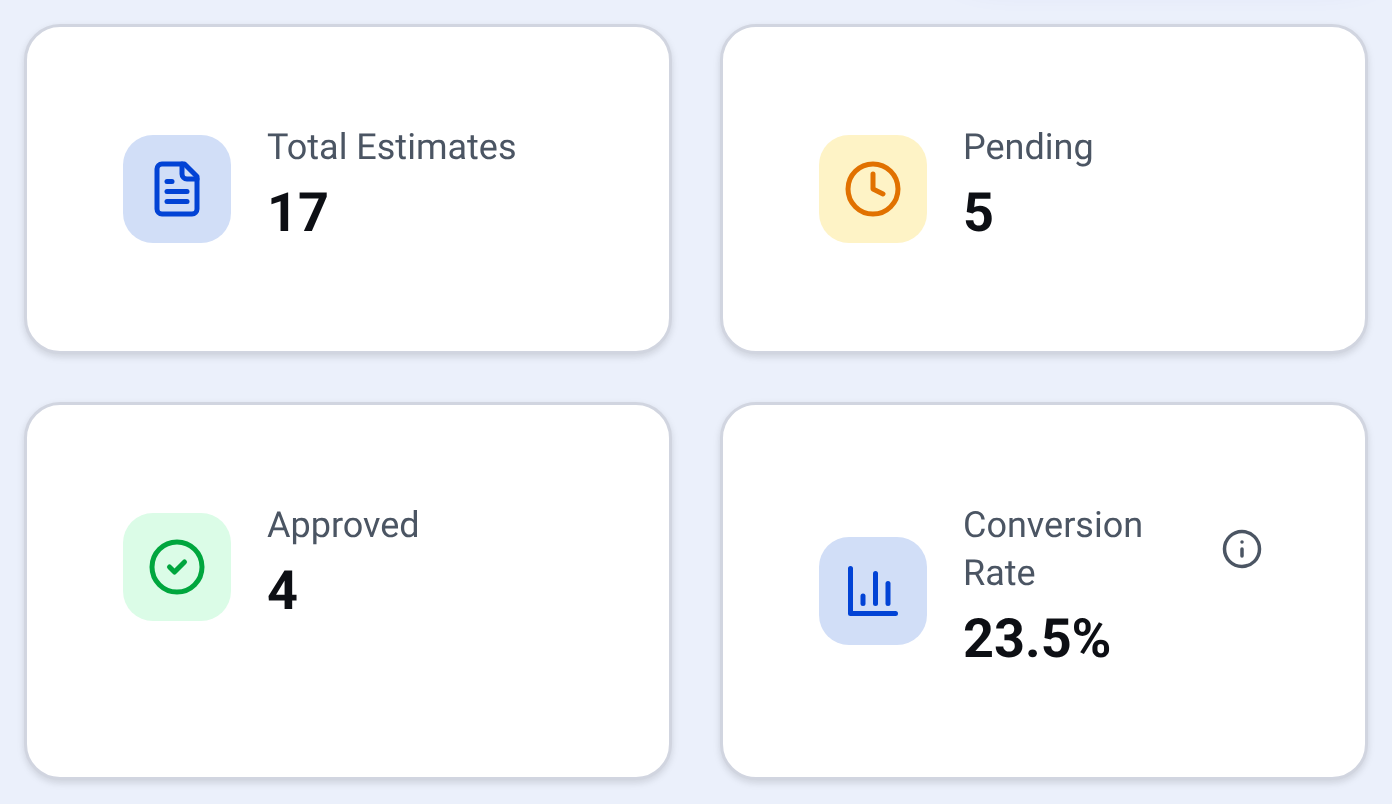
Estimates: every quote and where it stands Rebuild the estimate from it and send it to your customer.

Check it yourself
- Open the CSV in Google Sheets or Excel: every cost, markup and price cell is empty.
- See how estimates are built from your own price book.
- Watch the real dashboard and phone app work on a demo company.
Questions owners ask
Do I have to sign up to get this?
No. Read every line on this page and open the CSV with no signup. The PDF downloads after you leave a first name and a business email.
Does this say what a system costs per watt?
No. Prices per watt change with the equipment, the roof and the market, so every price cell is blank for you to fill.
Do the permit and interconnection lines mean I need them?
No. They are lines to fill or remove. What a job needs depends on where it is, so check with the authority that covers it.
Why is electrical work its own group?
Because the survey often changes it. If the main panel needs work, you update that block and the module, inverter and racking blocks stay as they were.
See it on your own jobs.
30 days free, no credit card required
Paid plans renew automatically. 100-day money-back guarantee on your first paid charge. Request a refund at support@construktr.ai. Cancel any time; access continues to the end of the paid period.