


Send the final roof invoice the day the crew drives off.
For example: The roof is finished, and the homeowner wants an itemized final invoice and photos of the work.
30 days free, no credit card required

Generated image, not a real person.
What it costs
An evening chasing the crew for photos and retyping the estimate.
What owners do today
Photos on three crew phones, and the estimate retyped as an invoice.
Fill in the template
The lines are started for you and every price is blank. Change any line, put in your own prices, and remove every line the job does not need: a line left without a price stops the download until it has one.
No signup. The PDF is made in your browser, and what you type stays in this browser: nothing is sent to us unless you fill in the optional form after you download.
Your business name
INVOICE
INV-1001
| Description | Qty | Price | Amount |
|---|
- Subtotal
- $0.00
- Total
- $0.00
Terms
Payment due by the date above. Thank you for your business.
Notes
Contract price, deposit received, and the shingle and workmanship warranty:
Job photos Every plan
The crew takes photos in the phone app as they work.
The photos stay on the job, next to the estimate and the invoice.
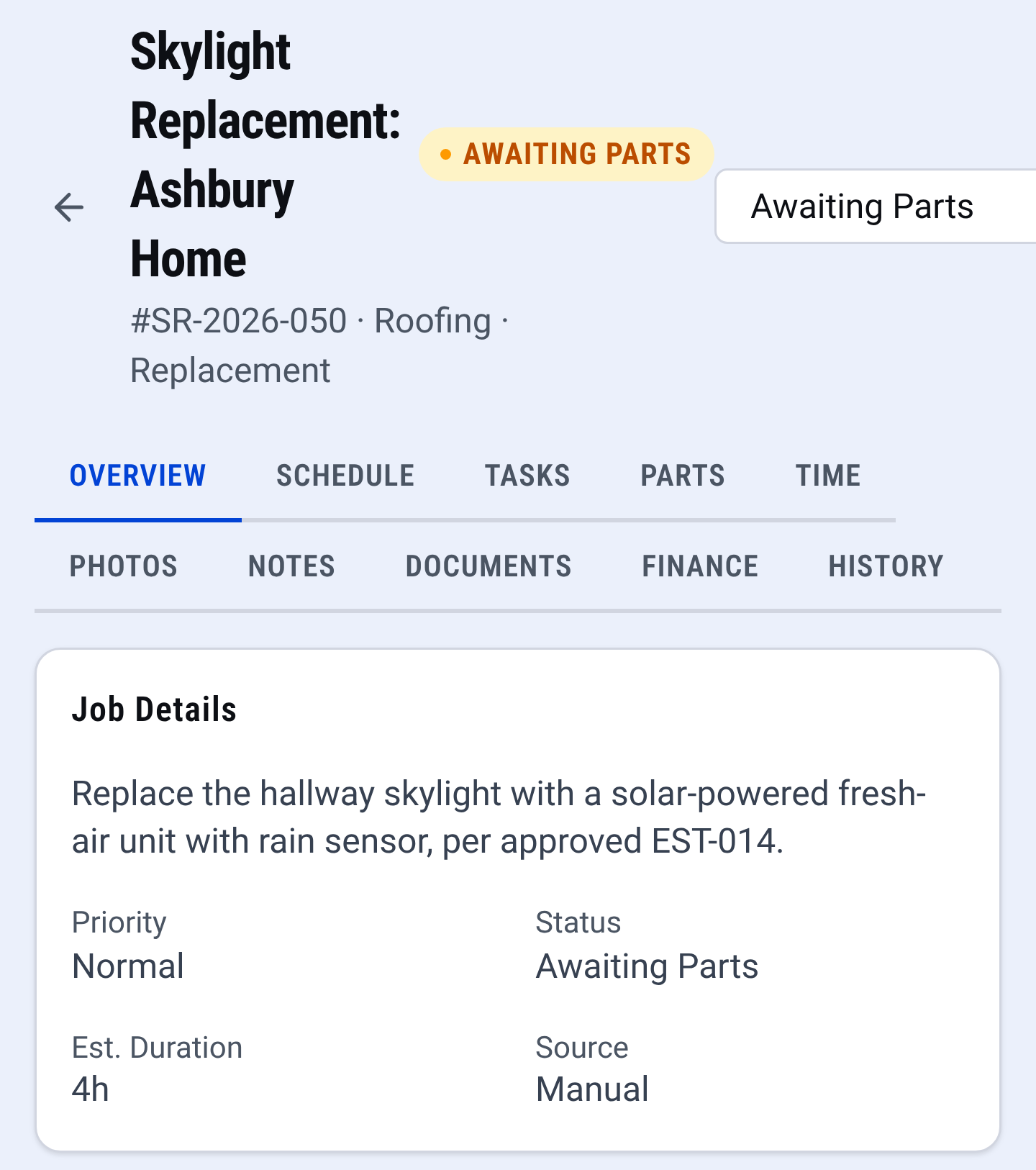
Job record: the whole job in one place

Check it yourself
- Open the downloaded PDF: it carries your business name and nothing of ours.
- See every CONSTRUKTR feature, invoices included.
- Watch the real dashboard and phone app work on a demo company.
Questions owners ask
Do I have to sign up to use this template?
No. Change the lines, put in your prices, check the preview and download the PDF. There is no account and no email needed.
How do I show the deposit they already paid?
This free PDF cannot subtract, so put the balance after the deposit on the first line and write the contract price and the deposit received in the notes.
Can I put the photos of the work on this PDF?
No, this free PDF carries text only. In CONSTRUKTR the crew takes photos in the phone app as they work, and the photos stay on the job, next to the estimate and the invoice.
Where does what I type go?
It stays in your browser. The PDF is made on your device, and this page keeps your draft in this browser so a refresh does not lose it. Nothing is sent to us unless you fill in the optional form after you download.
See it on your own jobs.
30 days free, no credit card required
Paid plans renew automatically. 100-day money-back guarantee on your first paid charge. Request a refund at support@construktr.ai. Cancel any time; access continues to the end of the paid period.