


Leaving Workiz? Get your customers out as a file first.
We have not read Workiz's own export steps, so we will not guess its menu names. What we can say is what the file needs to look like when it comes out.
30 days free, no credit card required

Generated image, not a real person.
What it costs
The cost is one thing to find out. We have not read Workiz's export steps, so we will not guess them.
What owners do today
Your customers sit in Workiz. We have not read its export steps, so ask Workiz how to get them out as a file.
Get your customers out of Workiz
- Find the way to export your customers from Workiz as a file. If you cannot find it, ask Workiz support how to get your customers as a CSV file.
- If the file is not already a CSV, save it as one.
Save it as a CSV
- In Google Sheets: open the file, click File, then Download, and choose CSV.
- In Excel: save a copy of the file and choose CSV as the file type.
Google Sheets steps from Google Docs Editors Help: Use both Excel and Sheets, read October 28, 2026.
The preview shows how your file would look in CONSTRUKTR, so you can check it before you commit to anything.
Drop the CSV into the preview and see your columns.
Workiz's own export steps have not been read for this page, so no menu names are printed and no read date applies. Google Sheets steps from Google Docs Editors Help: Use both Excel and Sheets, read October 28, 2026.
Preview your Workiz customers, right here
Drop your Workiz customer CSV here
or
Try it with a sample file.
Not ready to export yet? Try the preview with a sample file. No file of yours is needed.
The preview reads your file in your browser, on this page. The page does not upload it or send it anywhere. To check, open your browser's developer tools, go to the Network tab, and drop the file: you should see no request carrying it. We ran that check with an automated browser on the build of November 10, 2026. We have not run it on the live site, or with browser extensions you may have added.
CSV only, up to 5 MB. The first row should name the columns.
The preview is a look at your file, not the import. When you import in CONSTRUKTR, you check the preview there, and nothing is saved until you confirm.
CONSTRUKTR does not connect to your old software and pull your customers across. You export a file, then drop it in.
Import from a spreadsheet export Pro and up
Get your customers out of Workiz as a file, asking Workiz support if you cannot find the way.
Make it a CSV if it is not one already, then drop it in.
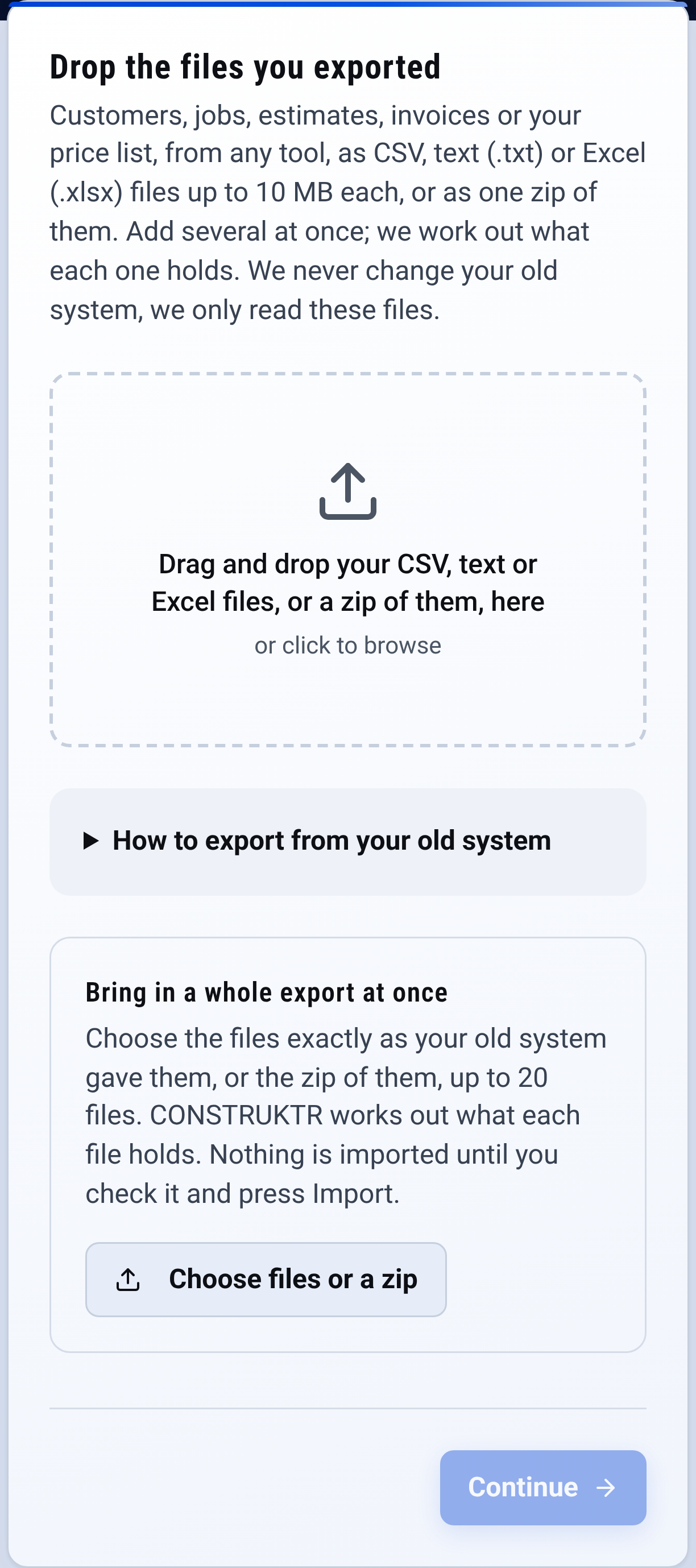
Import: drop the files you exported from Workiz Check the preview before you commit to anything.

Questions owners ask
Can I keep the prices I built up in Workiz?
If you can export them as a spreadsheet (CSV) file, yes. Price book import is on Pro and Business, and in every free trial: drop the file in, check the preview, and your first estimate uses your own prices. CONSTRUKTR does not connect to Workiz directly.
See it on your own jobs.
See your Workiz list in the preview first, then 30 days free with no card.
Paid plans renew automatically. 100-day money-back guarantee on your first paid charge. Request a refund at support@construktr.ai. Cancel any time; access continues to the end of the paid period.